
Free IFC Viewer Online
Open IFC models. Inspect their data. Start a useful model review directly in your browser.
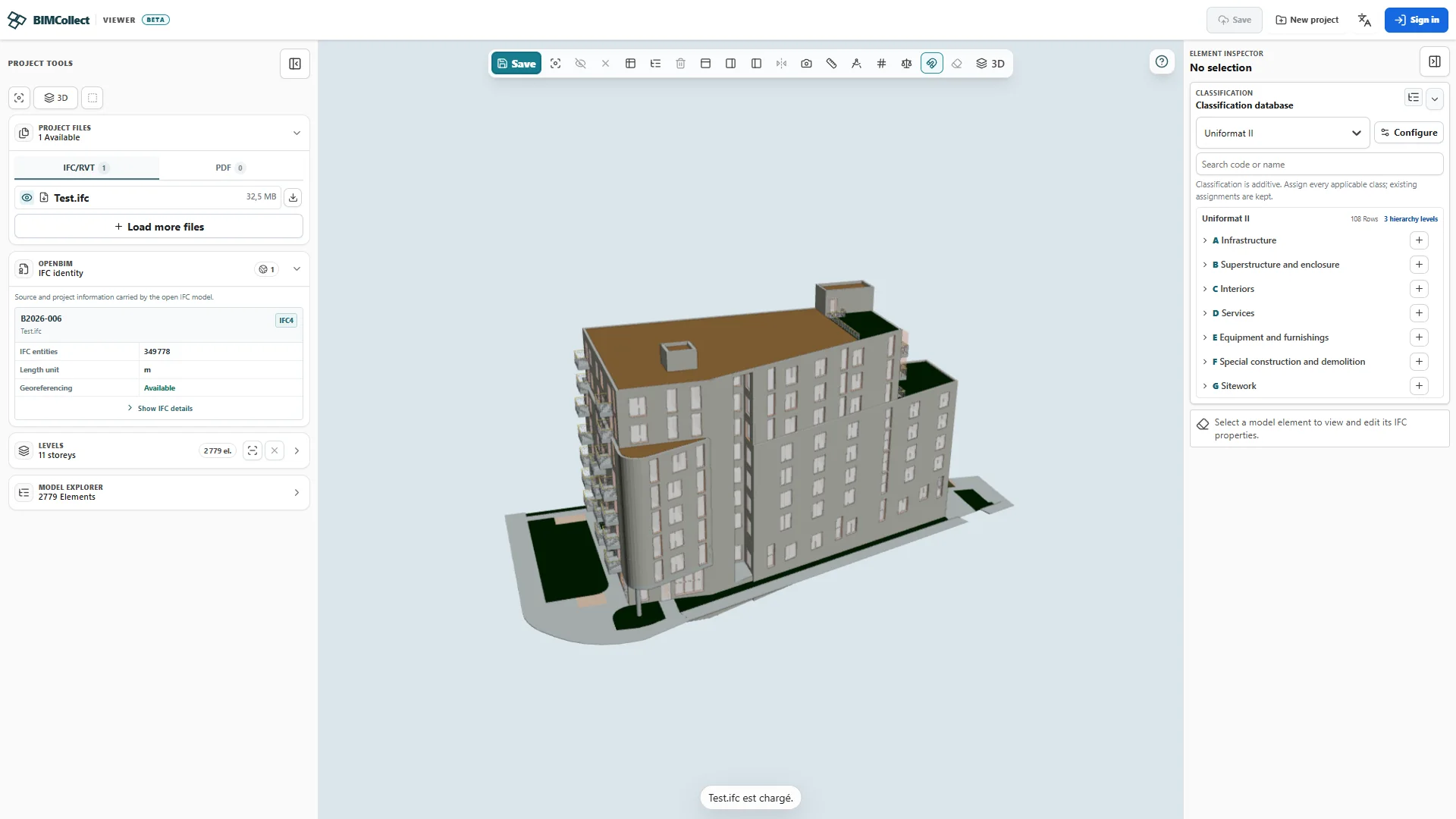
From file to first inspection
- Open the viewer and choose a local IFC file.
- Wait for the model to load, then navigate to a familiar part of the building.
- Select an object and inspect its IFC class, properties and storey. Check those values against the source model.
Free local review and hosted collaboration
The local review workflow starts without an account. Opening a local file is separate from uploading it into a hosted project or creating a public link. Check the project's account, access and sharing settings before using a hosted workflow.
Prepare a representative file
Start with a small IFC export and a current desktop browser. Large or complex models may exceed device memory. Export quality affects geometry, properties and quantities; a successful load does not prove that the export is complete.
Do I need an account?
You can start a local IFC review without an account. Hosted project and sharing workflows have separate authentication and permission requirements.
Where is my file processed?
The local opening workflow processes IFC in your browser. Uploading into a hosted project is a separate action; review access settings before uploading sensitive files.
Can I open an RVT file here?
This page describes IFC review. Export an IFC from your authoring application first; it does not promise direct RVT conversion in the free viewer.
Which IFC versions and file sizes should I use?
The review workflow targets IFC2x3, IFC4 and IFC4x3. Validate your actual exporter, model and browser before adopting it for a project. No universal maximum file size or fidelity guarantee is published here.
How do I share a model?
A local file review does not automatically create a public link. Use a hosted project's sharing workflow and verify recipient access and any expiry or download settings before distributing a link.