
Review BIM quantities with IFC context
A quantity is useful when you know which objects it represents, how it was obtained and what the model leaves out.
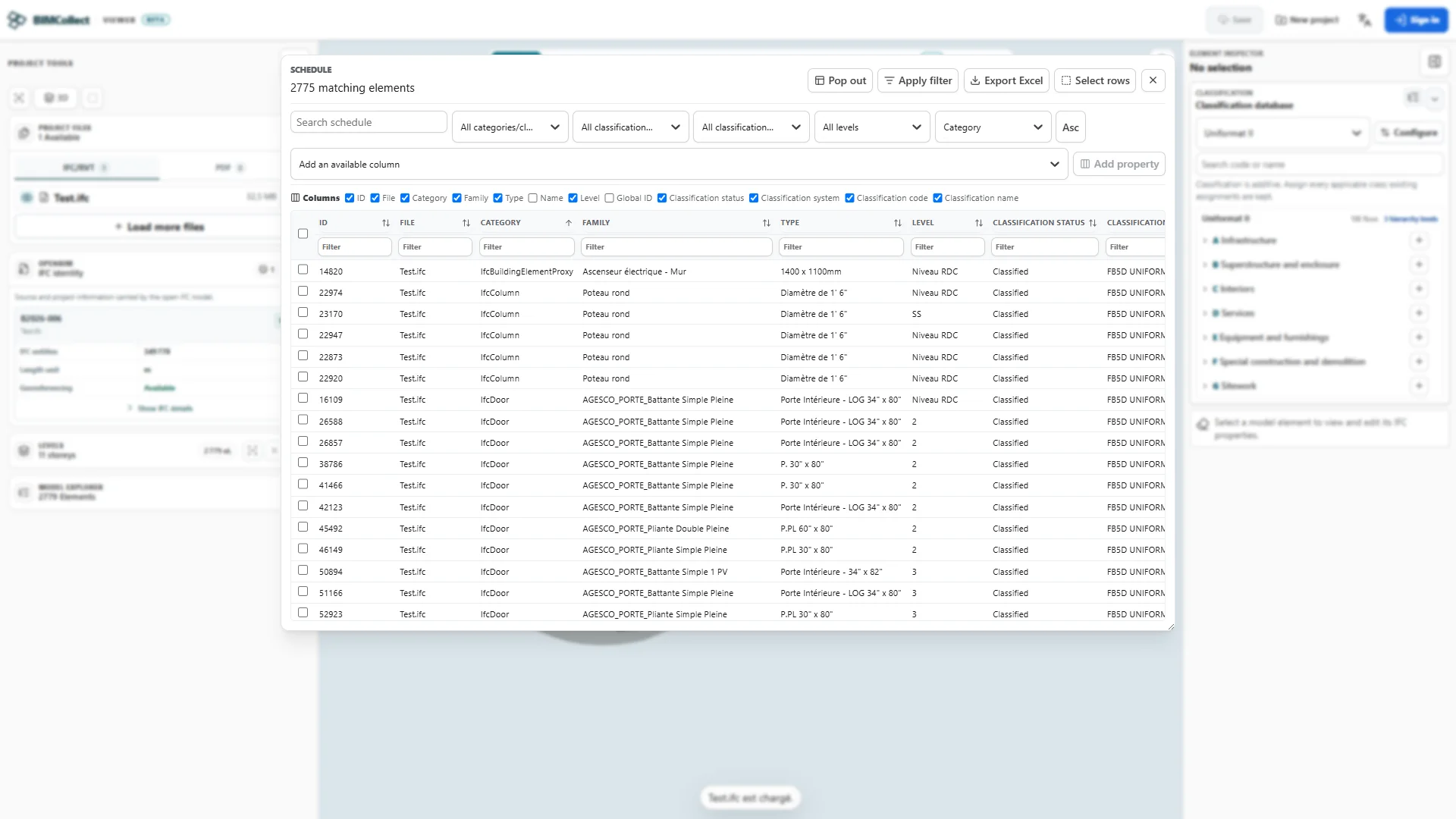
Start with a defined scope
Choose a single storey and element class, such as walls. Record the model revision, selection criteria and units. Check openings, duplicate elements and excluded objects before aggregating values.
Separate data from measurement
An IFC property quantity, a geometric calculation and a manual measurement can describe different things. Inspect the origin and units of each value before combining it. Missing quantity data is not a zero quantity.
A review sequence
- Filter the objects for your agreed scope and inspect several representative elements.
- Check property values and units against a known dimension or source schedule.
- Review the selected objects in a schedule and document missing data, duplicates and exclusions.
- Use the available export or report workflow and reconcile its totals before using the result in an estimate.
Carry assumptions into the estimate
Quantities alone are not a cost estimate. Map the reviewed quantities to cost items and apply documented rates, currency, waste and exclusions in your estimating workflow. This page does not promise automatic pricing or cost control.